


Bricks Builder - Build WordPress Sites That Rank v1.2.4 Nulled
- Author Mrsam_1
- Creation date
-
Welcome to Babiato Forums!
📢 Join Babiato Official Telegram Channel For Updates
Bypass all resource restrictions, passwords, and keys? Read here!
Bypass all resource restrictions, passwords, and keys? Read here!

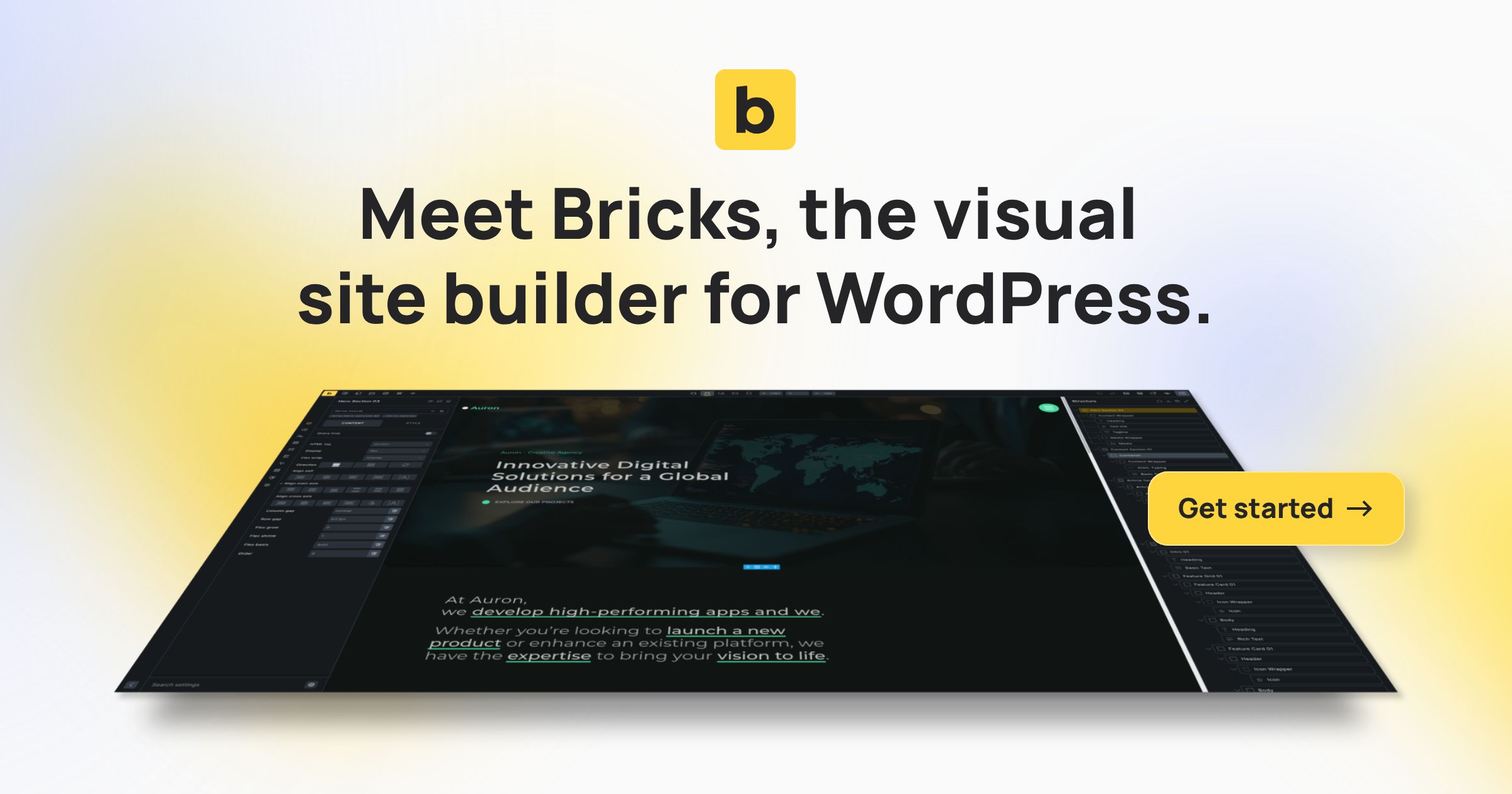

 . The “View on frontend” icon is now always visible. We reordered the builder toolbar icons slightly. There’s a toolbar setting indicator when the active element has pseudo-classes. Give it a bit of time to get used to