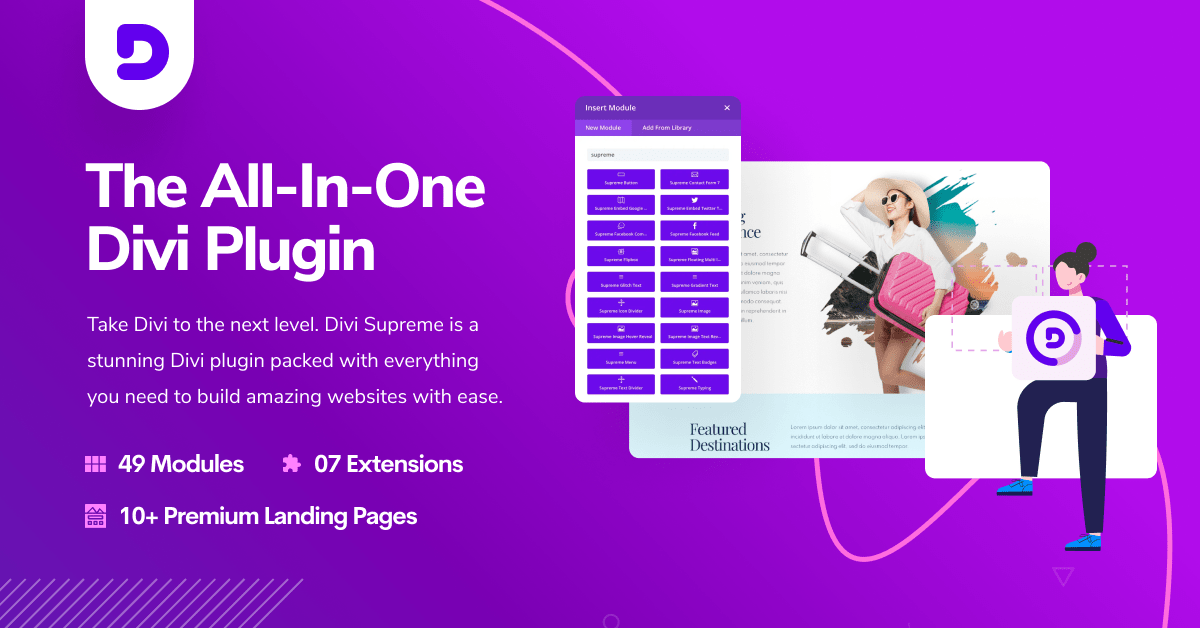
Divi Supreme - Custom and Creative Divi Modules

Divi Supreme - Custom and Creative Divi Modules v5.0.21

No permission to download
  • Welcome to Babiato Forum! All Resources are 100% clean and Safe to Use

Decryption key:


Divi Supreme - Custom and Creative Divi Modules v5.0.21
5.0.21 Public Release – 22.06.2026
  • Fixed: Divi Supreme Pro settings page no longer goes blank when WPML is active, caused by a conflicting hidden CSS class injected by WPML.
  • Enhanced: Updated wpml-config.xml to include new extensions, new modules, and new options added to existing modules.
  • Fixed: Missing PHP style registration in the Card Carousel child module that was preventing body styling from rendering on the frontend.
  • Enhanced: Improved Dynamic Assets loading for better overall performance.
  • Enhanced: Removed duplicate animate.css — modules and extensions now share a single consolidated CSS file.
  • Fixed: Resolved a conflict between two competing image sources in the Image Accordion child module, where the Content tab Image option and the Background group Background Image option were interfering with each other.
  • Fixed: FAQ module now renders the correct heading tag.
  • Fixed: Icon List tooltip no longer throws an error in the builder when typing in the input field.
  • Fixed: FAQ module content no longer shows an unwanted gap at the top and bottom in the builder caused by a nestable module option.
  • Enhanced: Parent modules now insert with default child items on fresh placement in the Visual Builder, matching the native Divi experience. Applies to Icon List, Image Accordion, Card Carousel, Stacking Card, Floating Multi Images, Advanced Tabs, FAQ, Content Timeline, Circle Info, Price List, Social Share Buttons, Business Hours, and Image Hotspots.
Decryption key:


Divi Supreme - Custom and Creative Divi Modules v5.0.20
5.0.20 Public Release – 19.06.26
  • Fixed: Missing Heading Group options in the Text Badges module.
  • Fixed: Icon Picker no longer appears in the Flipbox module when Use Icon is turned off.
  • Fixed: Icon placement for left and right positions in the Flipbox module no longer breaks out of its container.
  • Fixed: Use Circle option no longer causes the Flipbox module to crash in the builder.
  • Enhanced: Image and Icon design section in the Flipbox module has been reorganized for improved usability.
  • Fixed: Card module button icon and alignment now render correctly.
  • Fixed: Card Carousel module button icon and alignment now render correctly.
  • Fixed: Button icons across all Divi Supreme modules now align correctly in the builder.
  • Fixed: Supreme Button now uses flex gap instead of hardcoded margin spacing, with a responsive group layout applied.
  • Added: Supreme Button mobile stacking no longer leaves a stray indent caused by margin-left on the second button.
  • Added: Supreme Button button group now uses flexbox gap with a default of 20px for backward compatibility, alignment moved to the wrapper, and new responsive controls added for Stack Buttons, Full Width on Mobile, and Button Group Gap under Design and Alignment.
Decryption key:


Divi Supreme - Custom and Creative Divi Modules v5.0.15
5.0.15 Public Release – 09.06.2026

  • Added: Popup Animation In and Out controls including delay and duration, with snappier recommended defaults. All animation settings can be tuned in the Popup Customizer under the Animation group.
  • Fixed: Card Carousel module content containing HTML comments no longer gets truncated or lost before conversion runs, resolving an issue where the module would appear blank after migrating from Divi 4 to Divi 5.
  • Fixed: Supreme Image module border radius now applies correctly in both the backend builder and on the frontend.
  • Enhanced: Extension settings page UI has been updated to match the module UI styling for a more consistent experience.
  • Enhanced: New icons introduced for extensions, applied across the settings page and the builder bar.
Decryption key:


Divi Supreme - Custom and Creative Divi Modules v5.0.13.2 Nulled
No changelogs
Decryption key:


Divi Supreme - Custom and Creative Divi Modules v5.0.13.1
5.0.13 Public Release – 04.06.2026
  • Fixed: Image Parallax not working in Builder.
5.0.12 Public Release – 04.06.2026

  • Fixed: Mouse Parallax now works correctly alongside Transform settings.
  • Enhanced: Line Hover extension now works more reliably with the Native Menu module by wrapping a span around the menu text, ensuring the animation displays correctly.
  • Added: Image Parallax Extension — adds smooth, scroll-driven motion to images used in Divi and Divi Supreme modules, giving photos real depth as visitors scroll, with control over orientation, scale, and timing directly within each module. Compatible with any image field.

Decryption key:


Divi Supreme - Custom and Creative Divi Modules v5.0.11 Nulled
5.0.11 Public Release – 03.06.2026

  • Fixed: MutationObserver in the builder was using global listeners and unconditional rebuilds causing performance issues; extensions such as Popup and Line Hover now only run when enabled, and Divi library layout caching has been added for the Popup extension.
  • Enhanced: Line Hover extension now works more reliably with the Native Menu module by wrapping a span around the menu text, ensuring the animation displays correctly.
  • Added: Show Active State on Current Page option with customizable color for the Line Hover Extension.
  • Added: Supreme Mouse Parallax module.
  • Fixed: The Modules tab “Select All” toggle on the Divi Supreme Pro settings page no longer incorrectly shows as off before correcting itself.
  • Enhanced: Tooltips for modules in the Divi Supreme Pro modules tab now appear on hover instead of requiring a click.
  • Enhanced: Divi 5 no longer incorrectly treats already-migrated Divi Supreme Pro native modules as legacy blocks during in-memory conversion.
Decryption key:


Divi Supreme - Custom and Creative Divi Modules v5.0.9.1 Nulled
No changelogs found!
Decryption key:


Divi Supreme - Custom and Creative Divi Modules v5.0.2 Nulled
5.0.2 Public Release – 12.05.2026
  • Fixed: Image Carousel Slideshow description showing an image instead of nothing when no description has been added.
  • Fixed: Business Hours striped background option now enabled by default — users can disable it if preferred.
  • Fixed: Slideshow thumbnail absolute positioning not working correctly on the frontend despite looking fine in the builder.
  • Fixed: Text Notation module text wrapping incorrectly on responsive devices.
Decryption key:


Divi Supreme - Custom and Creative Divi Modules v4.9.97.43 Nulled
4.9.97.43 – 07.03.2026
  • Fixed: Divi Advanced Tabs Module background_pattern and background_mask not working.
Decryption key:


Divi Supreme - Custom and Creative Divi Modules v4.9.97.41 + 5.0.0-beta.16
No changelogs found!

About us

  • Babiato Forum - The webmaster community has been around for many years and pride ourselves on offering unbiased, critical discussion among people of all different backgrounds. We are working every day, updating Daily resource to make sure our community is one of the best.

Quick Navigation

User Menu