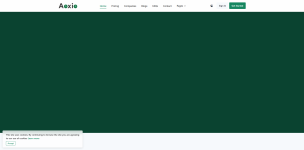
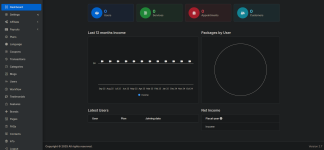
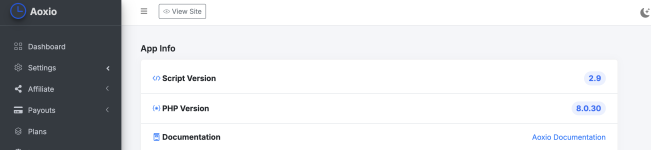
I tried everything possible but not solved.
1.
Missing CSS/JS resources
If static assets like CSS or JS aren’t loaded, the page
HTML loads but looks broken (e.g., black or unstyled).
Check whether CSS files are reachable in the browser – if they return errors (404, 500), the layout will break.
2.
Wrong base URL in CI config
Open application/config/config.php and ensure:
$config['base_url'] = '
https://example.com/';
If it’s wrong or missing, asset paths break and styling fails.
3.
Environment is hiding errors
CodeIgniter suppresses errors by default in production. If there’s a PHP error in a controller or view, you see
nothing styled or partially rendered.
To show errors while debugging:
define('ENVIRONMENT', 'development');
error_reporting(E_ALL);
ini_set('display_errors', 1);
in index.php
4.
Permission or filename case-sensitivity (Linux)
Linux hosting is case-sensitive. If controller/view filenames don’t start with uppercase/lowercase properly, they won’t load. E.g.,
application/controllers/Home.php // correct
home.php // wrong
Sir, could you please also suggest how you resolved this last time?