


kayz9x
New member
- Aug 21, 2026
- 10
- 16
- 3
How to get a license key
Reply to this thread with your desired usernameWindows
Step 1: Download & install Screaming Frog SEO Spider v25.1Step 2: Download file "ScreamingFrogSEOSpider.jar" and Paste & Replace to folder "C:\Program Files (x86)\Screaming Frog SEO Spider"
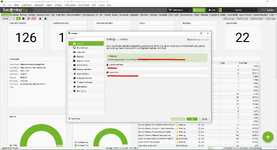
Step 3: Enter License
MacOS Intel & Apple Silicon
Step 1: Download & install Screaming Frog SEO Spider v25.1Step 2: Open Finder > Right Click Screaming Frog > Show Package Contents > Java
Step 3: Move the ScreamingFrogSEOSpider.jar and replace the existing file.
Step 4: Enter License
Link Download Google Drive
Note
- I'm not online on the forum very often, so the license will be shared within three days.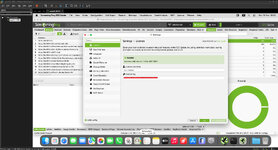
Thanks, Guys
Enjoy.
