


- Jan 7, 2024
- 231
- 1,567
- 93
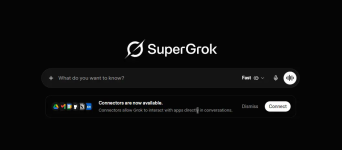
SuperGrok Cookie x2 | Tested & Working | 17TH May 2026 | 100% working
 How to Use (Step-by-Step Tutorial)
- Install Cookie Editor Extension
- Go to the Chrome Web Store and install Cookie Editor.
- Import the Cookie
- Visit grok.com.
- Open the Cookie Editor extension in your browser.
- Click on the “Import” option.
- Paste the content from the downloaded cookie file.
- Reload the site.
- Access Grok
- Reload the site after importing cookies.
- You should now have access to SuperGrok.
- Troubleshooting
- If you are logged out or it’s not working, let me know in the thread—I’ll upload new or fix the cookie as needed.
Cookie 1:
Cookie2:


 A quick reminder—always a good idea to read the rules
 Update your account
 See:
See:  Important note:


