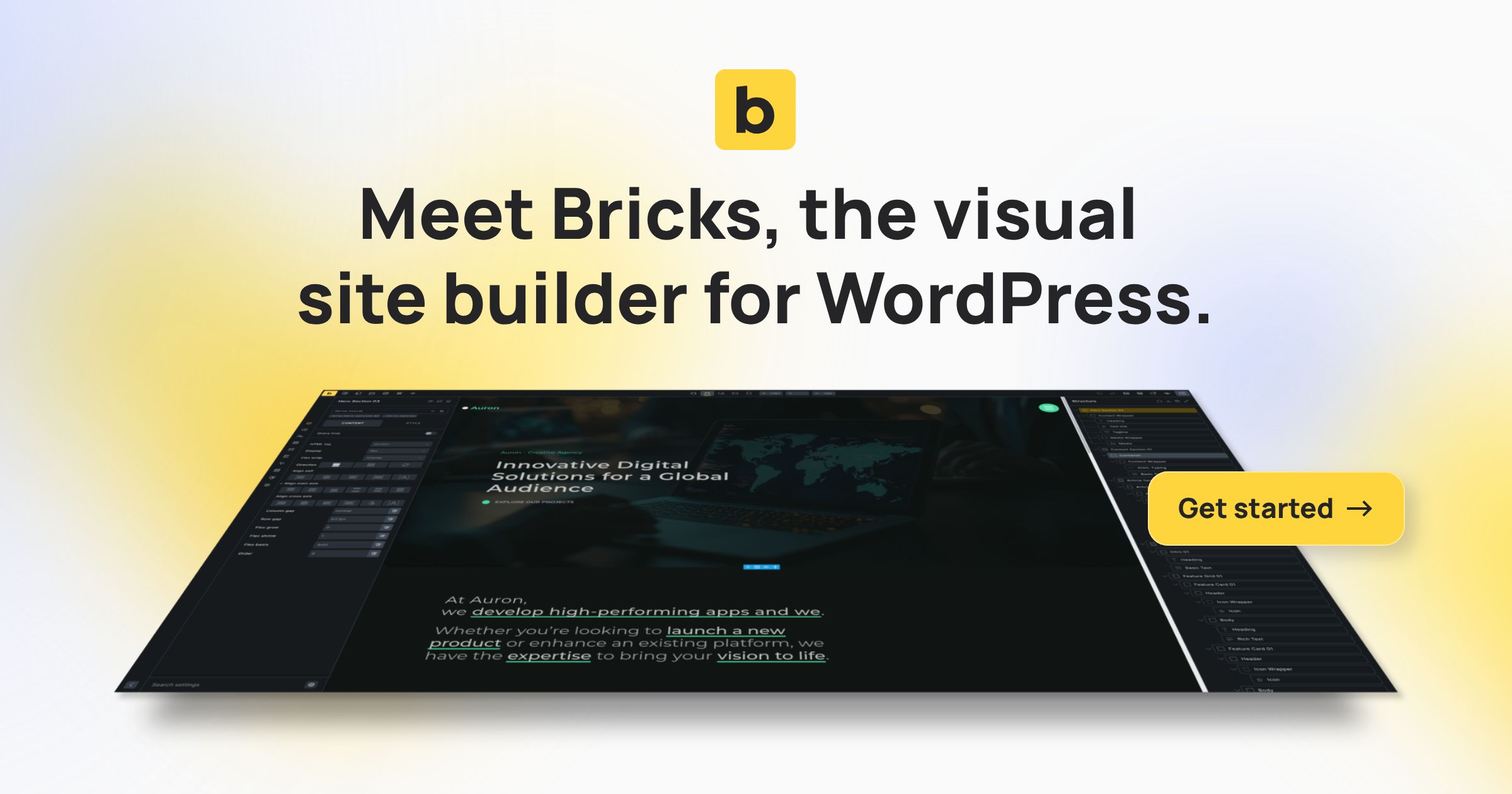
Bricks Builder - Build WordPress Sites That Rank

Bricks Builder - Build WordPress Sites That Rank v2.3.14 Nulled + Child theme

No permission to download
Decryption key:


Full changelog
  • Builder: Search individual post with 100+ results issueFix
  • Dropdown: Caret styling incorrectFix
  • Image: Attribute “sizes” new auto value causes image width issue (WordPress 6.7)Fix
  • Dropdown: Nested dropdown doesn’t open on hoverFix
  • PHP warning: undefined array key “optionMetaValue” (filter-base.php)Fix
  • Products element: Query setting not workingFix
  • Query Loop (Main Query) with exclude terms causes fatal PHP errorFix
  • WooCommerce 9.4.1: Update outdated Woo templateFix
  • WooCommerce: Checkout Coupon: JS error (if Bricks Woo Notice disabled)Fix
  • WordPress 6.7: Bricks translations not loadingFix
  • Product Cart Cross Sell: Heading setting not appliedFix
Decryption key:


Decryption key:

  • Builder: Resizable structure panelNew
  • Form element: Provide user role setting for action “User registration”New
  • Builder: Element breadcrumb navigationNew
  • Builder: Save button indicator for unsaved changesNew
  • Form element: Set value & label options (checkbox, select, radio)New
  • Link control: New “Taxonomy (Term)” optionNew
  • Link control: Set URL parameters for internal linksNew
  • Google Maps: Use without API key (through Embed API)New
  • Maintenance mode: Don’t render popups by default (enable in Bricks settings)New
  • My Template import: Support image import (builder)New
  • Offcanvas: New settings to disable auto-focus and scroll-to-topNew
  • Tabs & Nestable Tabs element: New setting to open tabs on hoverNew
  • Product Title element: New setting “Link to product”New
  • SVG element: New “Link” settingNew
  • Template screenshots: Generate screenshots on “save as a template”New
  • WooCommerce: Support creating “Quick View” via AJAX popup (incl. gallery, reviews)New
  • Builder: Input fields cause moving #bricks-panel-innerImprove
  • Builder: Attribute name validation (not on frontend to prevent unintended attribute removal)Improve
  • Builder: Improve toolbar on mobile (smaller icons, horizontal scroll)Improve
  • Builder: Settings indicator reset not 100% clickableImprove
  • Builder: Support parsing DD tags in element attribute name and valueImprove
  • Custom Login Page: Auto-close WP session expired modal after successful log inImprove
  • Prevent potential XSS vulnerability through custom HTML tag settingImprove
Decryption key:


  • Show Modified Element & Class Settings
  • Lightbox: Thumbnail Navigation (Carousel, Image Gallery)
  • Generate Screenshots In-Bulk & On-Save
  • Code Element: Separate inputs for HTML/PHP, CSS, JS
  • Syntax checking in CSS editor
  • Lightbox Caption (Carousel, Image, Image Gallery)
  • Lightbox: Image click action (Disable zoom, etc.)
  • Lightbox: Padding (px) setting
  • Dynamic Data: Text & Image Fallback
  • Builder: New “Copy: Bricks ID” to clipboard button in element panel & context menu
  • Popups: Support ‘Populate content’ setting
  • WooCommerce: New query loop controls for “On sale”, “Featured”, “Hide out of stock”, “Upsell”, “Cross-sell”
  • Theme Styles: Links “CSS selectors” setting (extends default CSS selectors)
  • Reading Time element: Support query loops
  • Bricks > System Information: meta_value column type check
  • Bricks settings: Builder > Variable dropdown: Hide value
  • Comments element: New setting “Author HTML tag”
  • Icon List element: New setting “Icon size” & “Label size”
  • Search element: New setting for icon border & box-shadow
  • WooCommerce Product Price filter: Set currency symbol and position
  • WooCommerce Account – Page element: New setting “Disable navigation”
  • Page settings: Custom CSS breakpoint support
  • Code element: Vim bindings (Bricks > Settings > Builder > Code control: Vim)
  • Element conditions: New compare operators: Is empty, Is not empty (for dynamic data)
  • Code control: CSS linting
  • Query Filters: Schedule indexer (for huge websites)
  • Icon List element: “Icon size” & “Icon color” setting (for all icons)
  • WooCommerce Cart Totals: Button width (new control)
  • Accessibility: Use :focus-visible instead of :focus
  • Builder: Add custom HTML attributes to the canvas (from Bricks filters & element settings)
  • Builder: Deprecate setting “Inner container/div”
  • Builder: Switch to preview shouldn’t reset the canvas
Decryption key:

  • Fix add/update postmeta for user without builder access issueFIX
  • Bricks settings: Lost password options show incorrect page titleFIX
  • Post comments: Allow to select multiple fields
  • Love
Reactions: Mrsam_1
Decryption key:


  • Code execution: Disabled by defaultNEW
  • Code signaturesNEW
  • Code reviewNEW
  • Filter: Radio & Checkbox indentation prefix & gap settingNEW
  • Filter: Checkbox, Radio & Select: New setting “Label: All terms”NEW
  • Post comments: New “Fields” setting & Support WP filter comment_form_default_fieldsNEW
  • Always show “Enable auto-updates” link for Bricks (Appearance > Themes)
Build WordPress sites that rank. A Faster, More Customizable & Performant Tool To Visually Design Your Website

Decryption key:​


We just released a mandatory security update with Bricks 1.9.6.1.


A leading security expert in the WordPress space just brought this vulnerability to our attention, and we instantly got to work, providing you now with a verified patch.


As of the time of this release, there’s no evidence that this vulnerability has been exploited. However, the potential for exploitation increases the longer the update to 1.9.6.1 is delayed.


We advise you to update all your Bricks sites immediately.
Bricks 1.9.5 introduces significant updates for website development. The highlight is the new global class manager, making it easier to handle class-based styling with options for renaming or duplicating classes in bulk. This feature is accessible via the builder toolbar or a keyboard shortcut (CMD/CTRL + .), and can be disabled in the settings if not needed.

Additionally, a new interaction allows running JavaScript functions after triggering an interaction, with detailed documentation available online. The Nav Menu element now supports advanced menu properties, and the Template Manager has improved memory for template sources and settings.

Focus on accessibility is evident with enhanced label association in the Comments element and better accessibility for radio and checkbox fields in the Form element. Performance optimizations include faster Builder operations and reduced search lag in the Elements panel.

Critical bug fixes address issues in Coming Soon mode, Infinite scroll, WooCommerce elements, and more. The update also includes stability improvements with the latest Vue.js version and other package updates.
== Changelog ==

v1.8.6 - Updated: August 15, 2023
  • Custom Shape Dividers (SVGs)NEW
  • Builder: “Edit template” button in panel & context menuNEW
  • Builder setting: Disable auto-expanding (Text editor, Code)NEW
  • Query Loop: Support ACF Posts ObjectNEW
  • Accordions & Tabs (simple & nestable): Open item through anchor IDNEW
  • Nav Menu: Mobile menu “Background” & “Background (active)” setting for top level & sub menu itemsNEW
  • Form: New “Language” setting for “Date” form fieldNEW
  • Search element: New “aria-label” button settingNEW
  • Dynamic data: {post_excerpt} automatically outputs trailing dots (…) as neededIMPROVE
  • Text Link: Don’t render text if emptyIMPROVE
  • Image: Support SVG files as “Sources”IMPROVE
  • Builder: Tooltip auto-lengthIMPROVE
  • Image: Always uses “picture” tagFIX
  • “Edit with bricks” button not displayed in Gutenberg on wordpress.com installationsFIX
  • Shape Divider: Setting can’t be cleared when a class is selectedFIX
  • Header: Scrolling text color does not get applied to menu items with childrenFIX
  • Background video: Vimeo doesn’t loop (when start or end time is not set)FIX
  • Cart loop: {featured_image} not showing if it is a variation product and no specific image set (in builder)FIX
  • Nestabled tabs inside nestable tabs not workingFIX
  • Gutenberg: Align “wide”, and “full” CSS fixFIX
  • WooCommerce 8.0: Empty cart template not showing after removing cart itemsFIX
  • Add to cart: Quantity & button width on a class (wrong selector)FIX
  • Mini Cart: Cart count/icon styles set on a class not appliedFIX
  • WebP Express plugin: Prevented builder from loadingFIX
  • Weglot plugin: Builder not loading (requires Weglot filter)FIX
  • Love
Reactions: Mrsam_1

About us

  • Babiato Forum - The webmaster community has been around for many years and pride ourselves on offering unbiased, critical discussion among people of all different backgrounds. We are working every day, updating Daily resource to make sure our community is one of the best.

Quick Navigation

User Menu